 Guankeyun
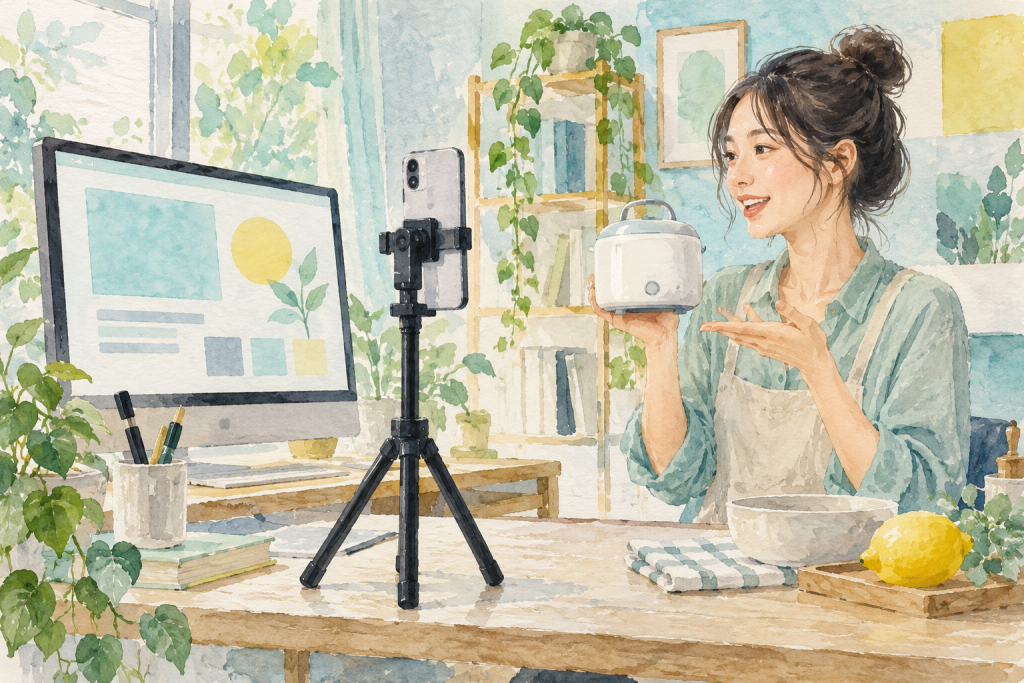
When preparing a private livestream, teams often lay out a table of equipment before deciding what to explain. A phone is easy to pick up and film with; a desktop makes slides and window switching easier. The better choice depends on what viewers need to see. List the three most important sections of the session before choosing the broadcast method. This is usually simpler than buying all the equipment first.
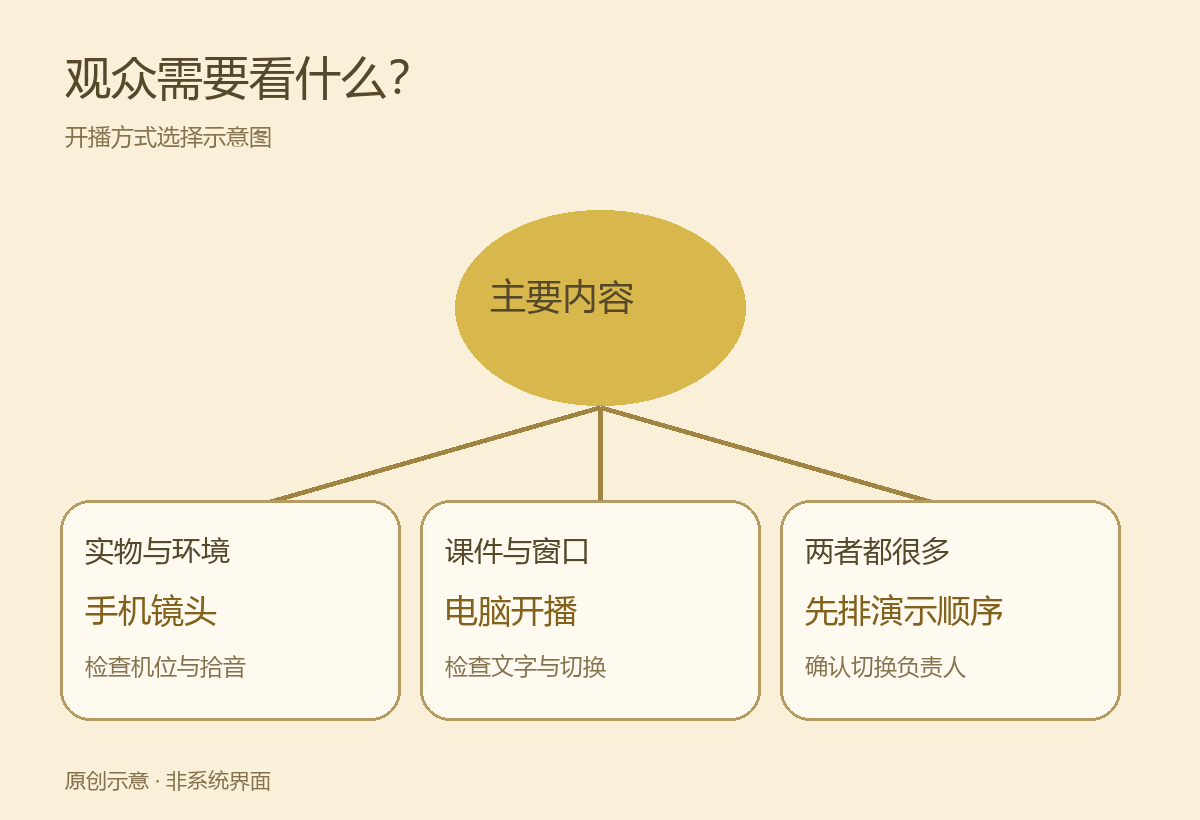
Choose around the visuals: physical products or presentation slides?
If the session mainly shows product details, hands-on demonstrations or a store environment, a phone makes camera positioning flexible. For a small appliance, show the entire product first, then move closer to the buttons and ports. This is an explanation example, not a customer case. Use a stand for a fixed shot. For moving demonstrations, rehearse the route and check changes in lighting and sound pickup.
If the explanation depends on slides, spreadsheets or software windows, desktop streaming is more convenient. Share the material as a video source rather than pointing a camera at the monitor. When a session combines extensive slides and physical demonstrations, agree in advance who switches sources. Do not assume one person can demonstrate, answer questions and adjust the visuals comfortably at the same time.
Guankeyun’s product materials and website describe scan-to-stream phone broadcasts and OBS desktop streaming with camera, window and slide sources. Use these descriptions to plan a demonstration, but confirm computer performance, camera equipment, streaming entry points and configuration in your own environment.
Keep a separate viewer device when streaming from a phone
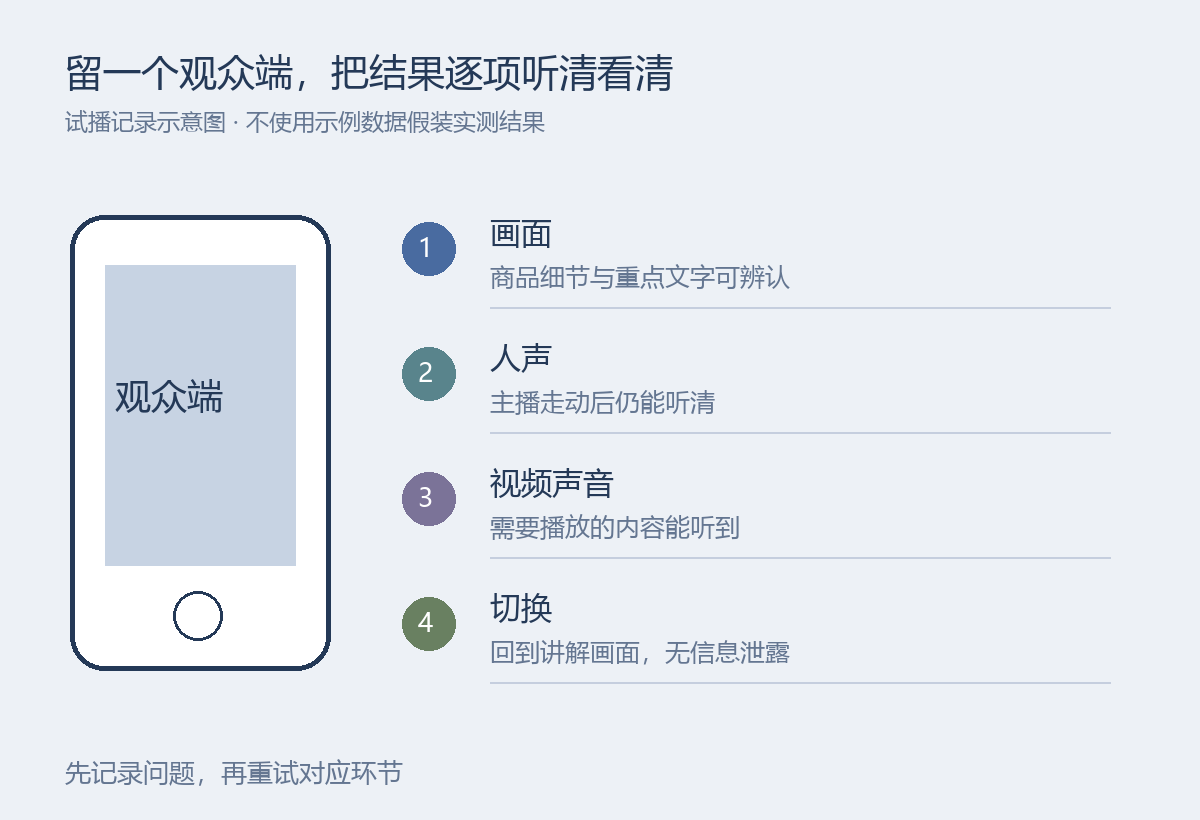
A good preview on the broadcasting phone does not guarantee a suitable viewer experience. Use another device to join through the actual viewing link. Check whether product details are visible, whether the host’s voice changes in volume while moving, and whether captions or product information obscure important details. Test on a phone size close to your audience’s everyday devices, rather than only a large desktop screen.
Keep the streaming phone powered and check whether calls or messages could interrupt it. Holding a phone for a long time can change the framing, so prepare a stable support position for fixed explanations. Ideally, another staff member handles products, orders and comments. If the team has only one person, reduce the number of simultaneous tasks.
For desktop presentations, check text readability and audio
A slide that is readable on a computer may become tiny text on a phone. Split complex tables into several slides and enlarge the area being explained. Before demonstrating software, close unrelated windows and notifications and use demonstration data without real customer information, so switching sources does not expose internal details.
Test audio separately. Try spoken explanation, video playback and scene switching to confirm viewers hear the intended sound without duplicate playback or noticeable echoes. Do not keep raising the volume to make the test louder. Identify extra audio sources first, then adjust the microphone actually being used. These are preparation guidelines, rather than configuration instructions for every device.
Rehearse the complete presentation before going live
Use the same materials to run through the opening, main demonstration, comment Q&A and closing instructions. Test more than whether the stream can start. Check whether switching misses important visuals, whether the presenter can return to the explanation after a demonstration, and who handles unexpected problems. Record the affected steps and fixes, then retest the relevant sections.
If you need a replay, check recording settings and the resulting file separately. Listen to the speech and confirm that slides and demonstration clips are complete. Viewing links, replay permissions and storage are another set of tasks. See configuring and testing enterprise training replay access, keeping equipment selection distinct from content delivery.
When requesting a Guankeyun demonstration, review the broadcast tools and modes and bring the actual slides or products you plan to explain. For product-led sessions, prioritize camera positioning and sound pickup. For slide-led sessions, verify readable text and source switching. Add equipment and staff when the content requires them.